Project Walkthrough - Cat Sitting Website
Detailed overview of my cat sitting website project
Project Walkthrough
Paws at Yours is a fully responsive and visually engaging cat sitting website. It's designed to feel welcoming and friendly while making it easy for potential clients to learn about the service and get in touch.
Homepage
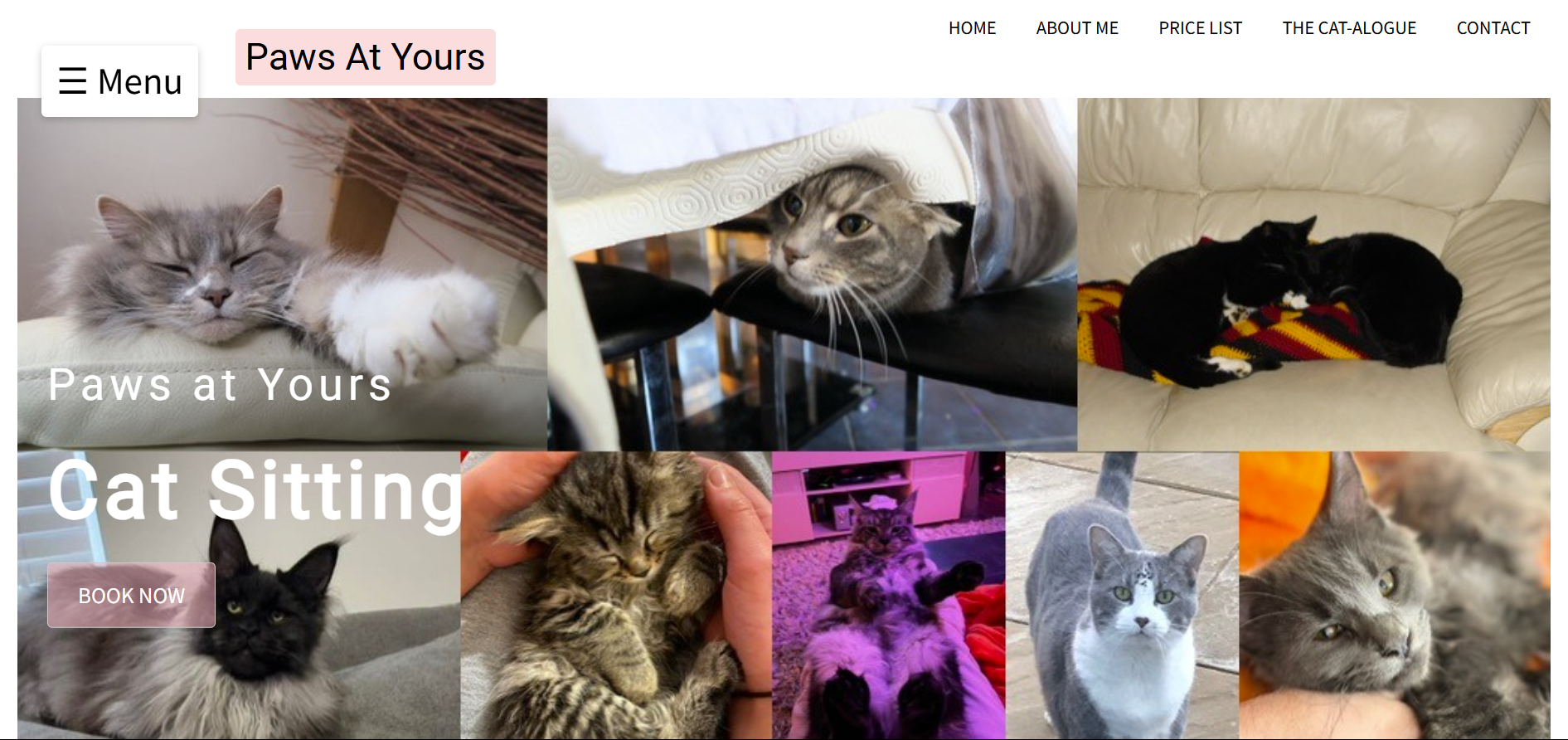
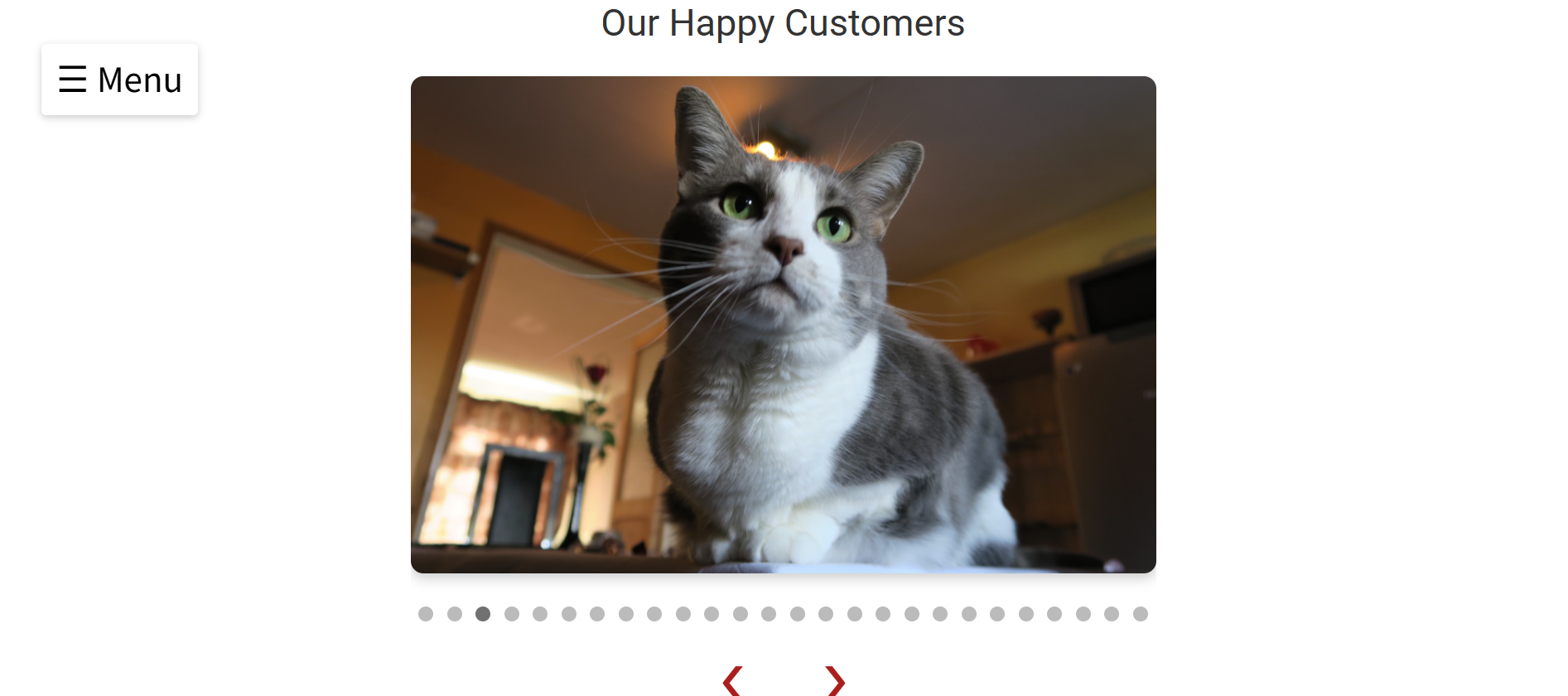
The homepage features a warm collage of my own cats, creating an immediate connection with visitors. Beneath the collage is a slideshow gallery that automatically scrolls through photos. Users can also navigate manually, and doing so resets the slideshow timer—allowing time to focus on a particular image.
A clear “Book Now” button links straight to the contact page, making booking quick and accessible. There's also a direct link to the price list—perfect for visitors who are only looking for pricing information.
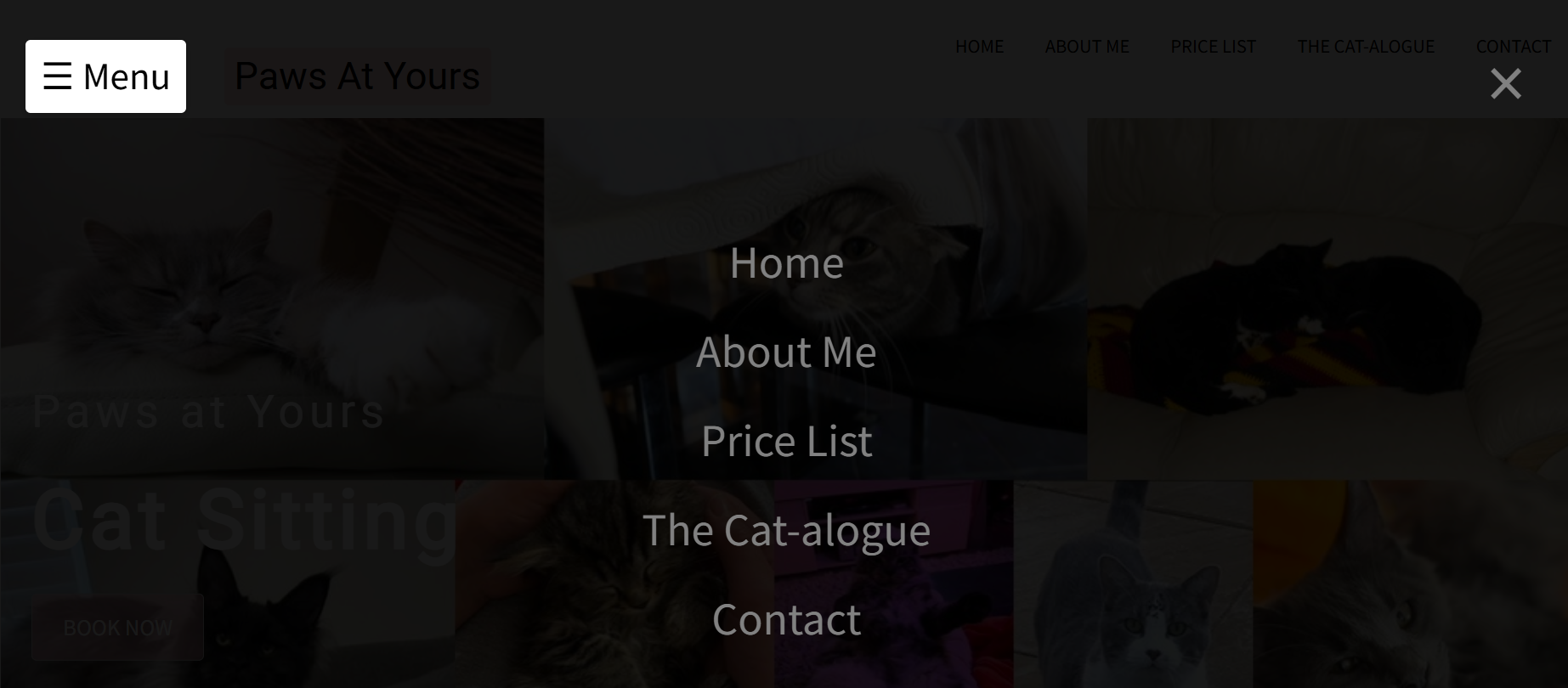
At the top of the page is a menu button that triggers a full-screen overlay menu with five key navigation options.
About Me
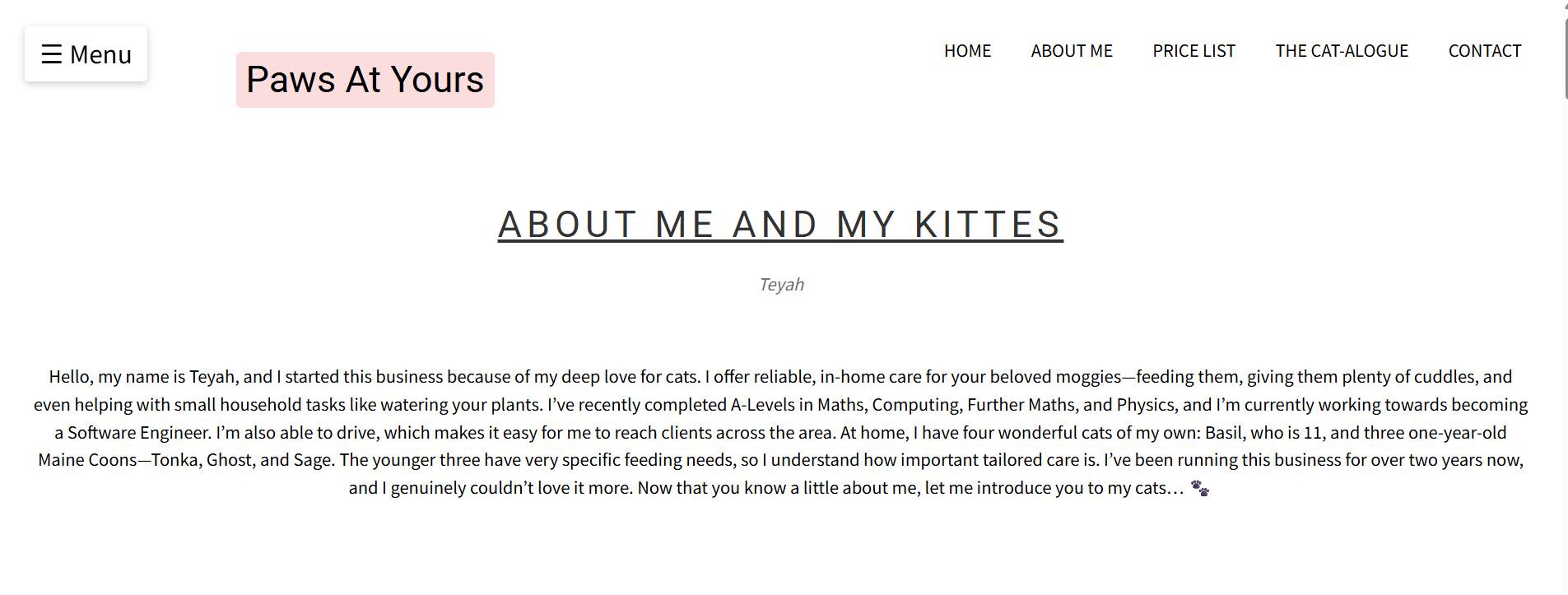
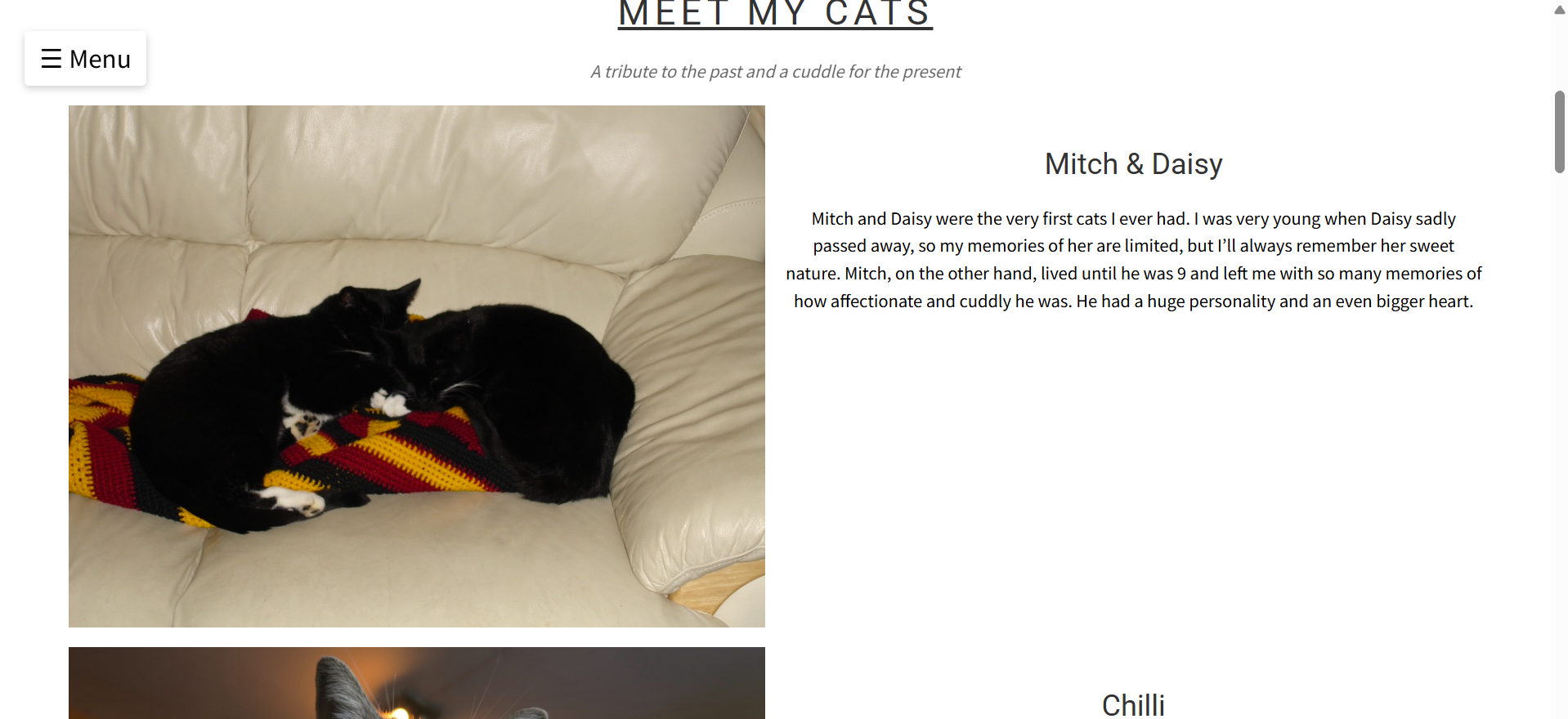
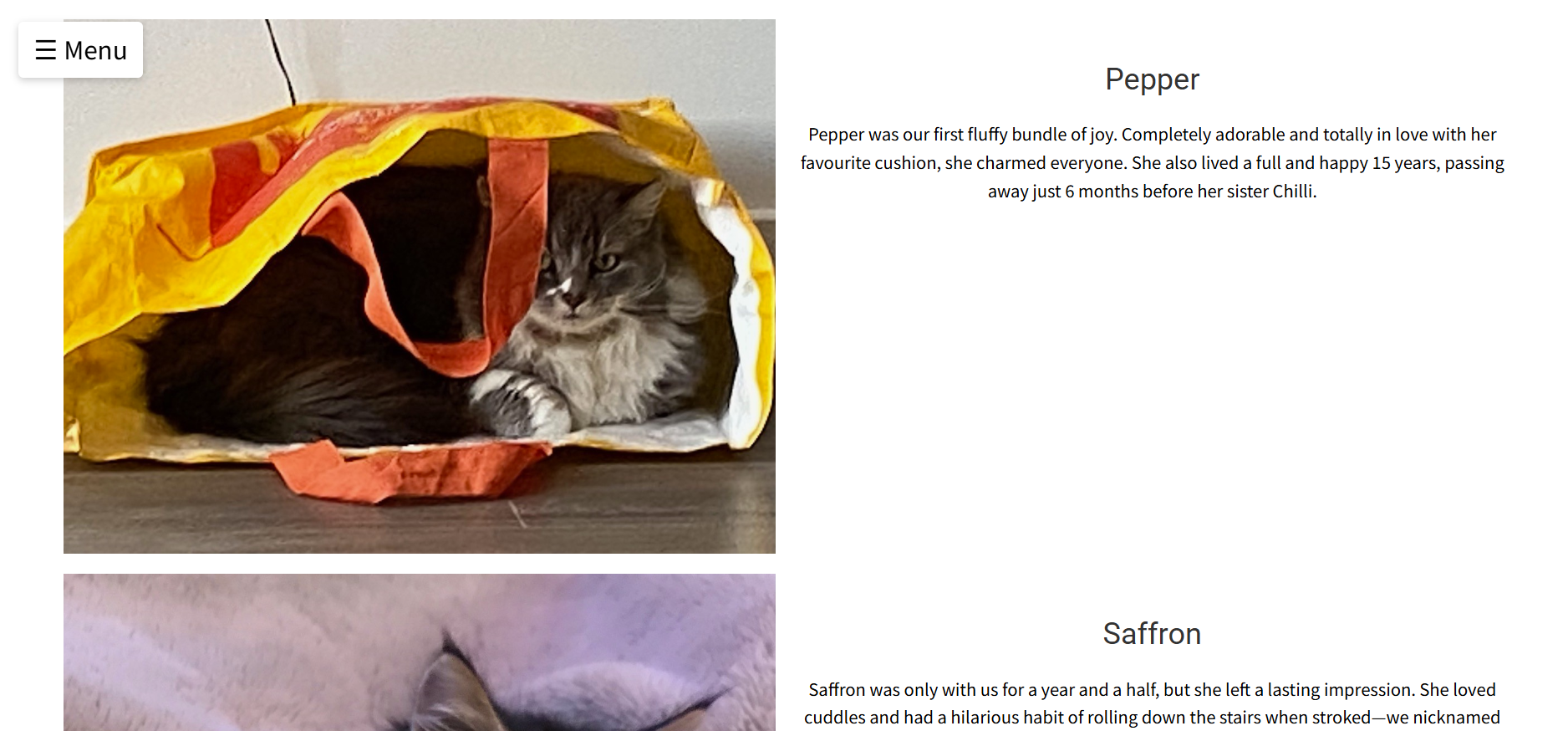
Selecting “About Me” in the menu opens a page with a short biography about me, explaining my background and passion for cat care. As you scroll down, you’ll see photos and descriptions of my own cats, giving potential clients insight into the love and attention I give my pets.
Cat-alogue
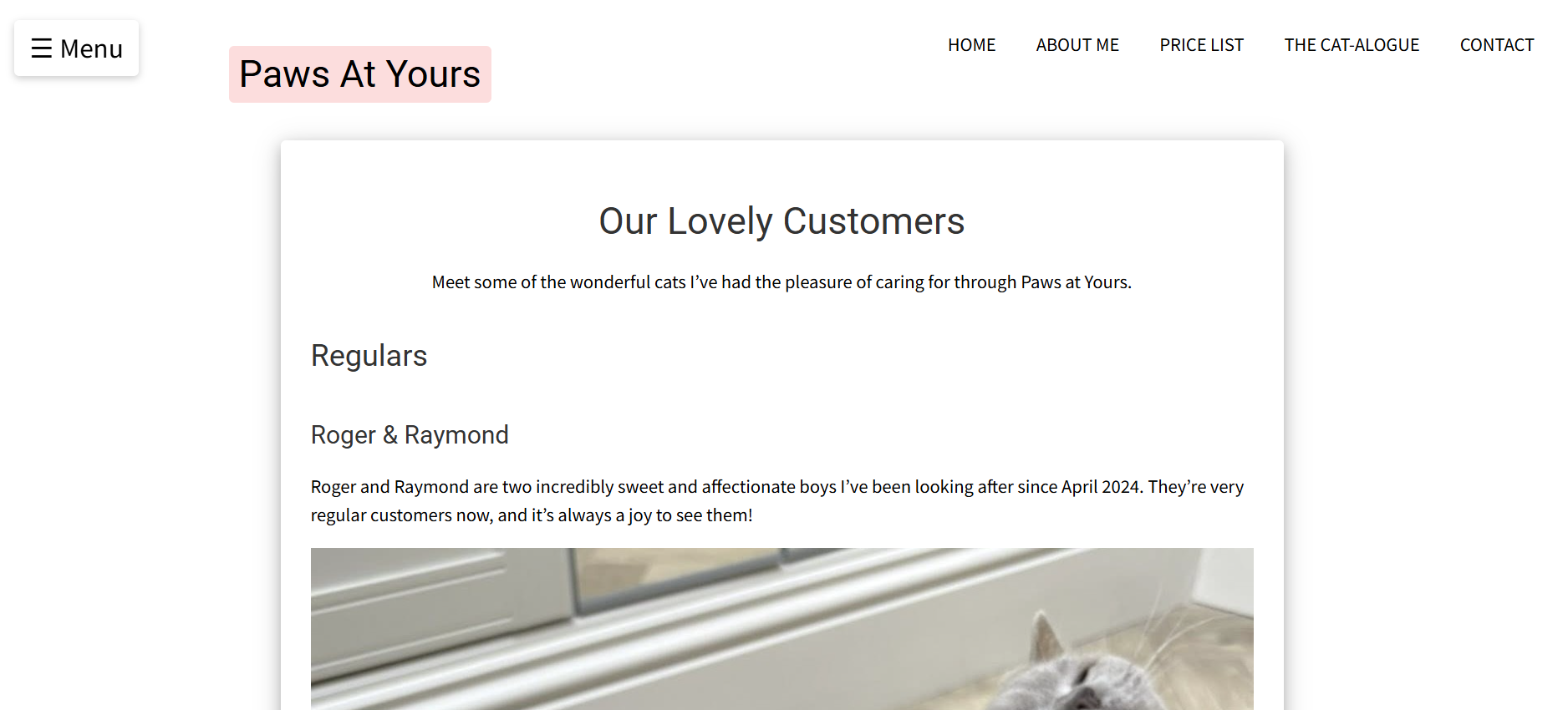
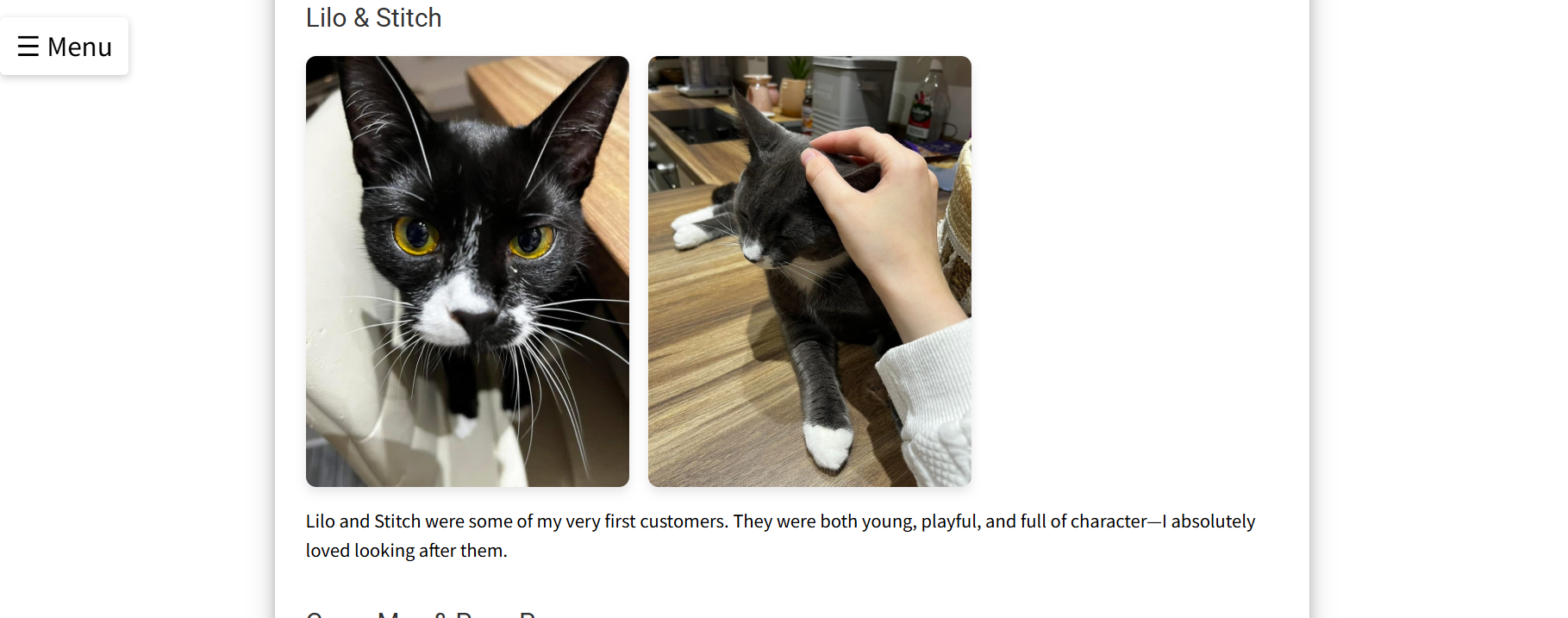
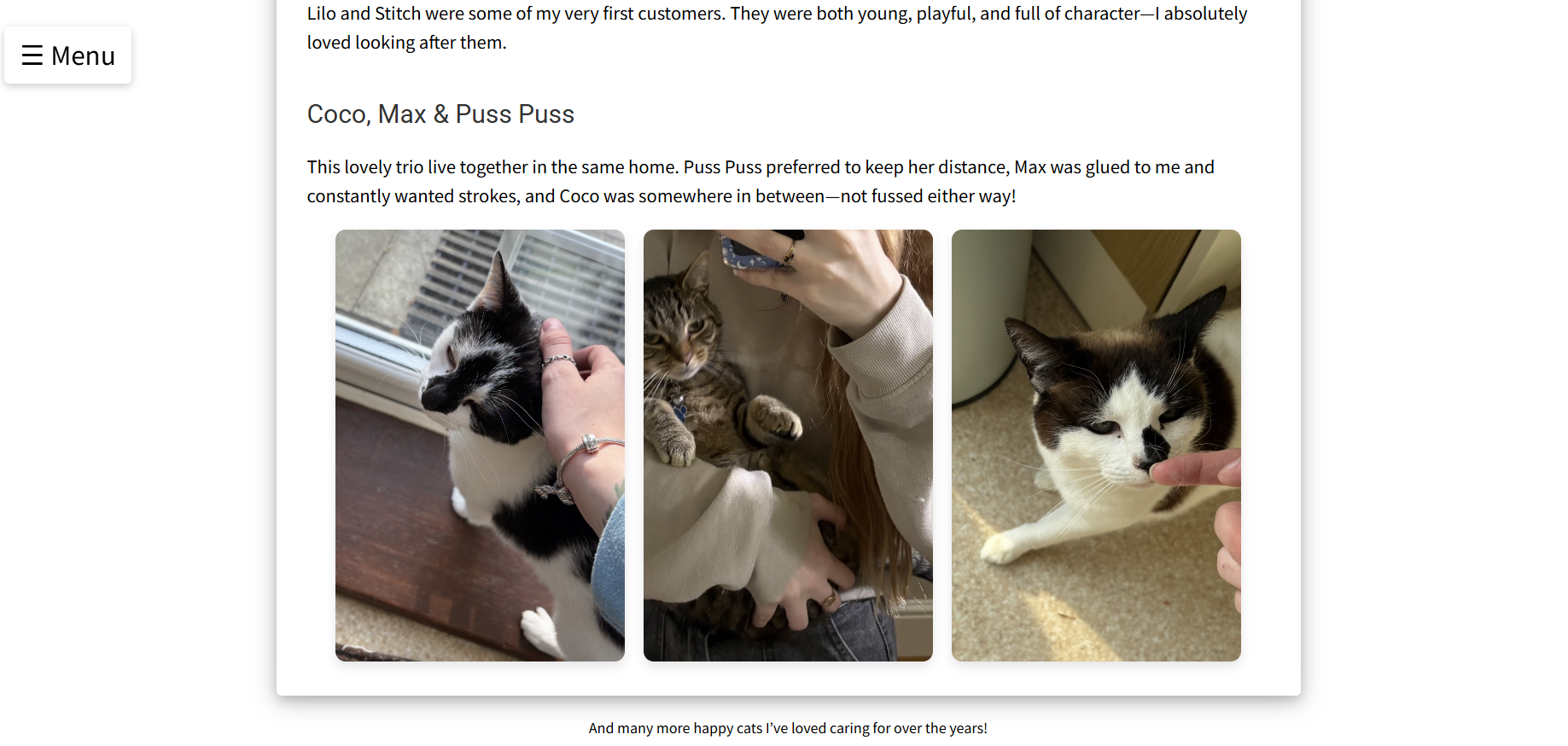
The Cat-alogue page showcases a gallery of cats I’ve looked after over the years. It gives credibility and shows experience, helping build trust with new clients.
Price List
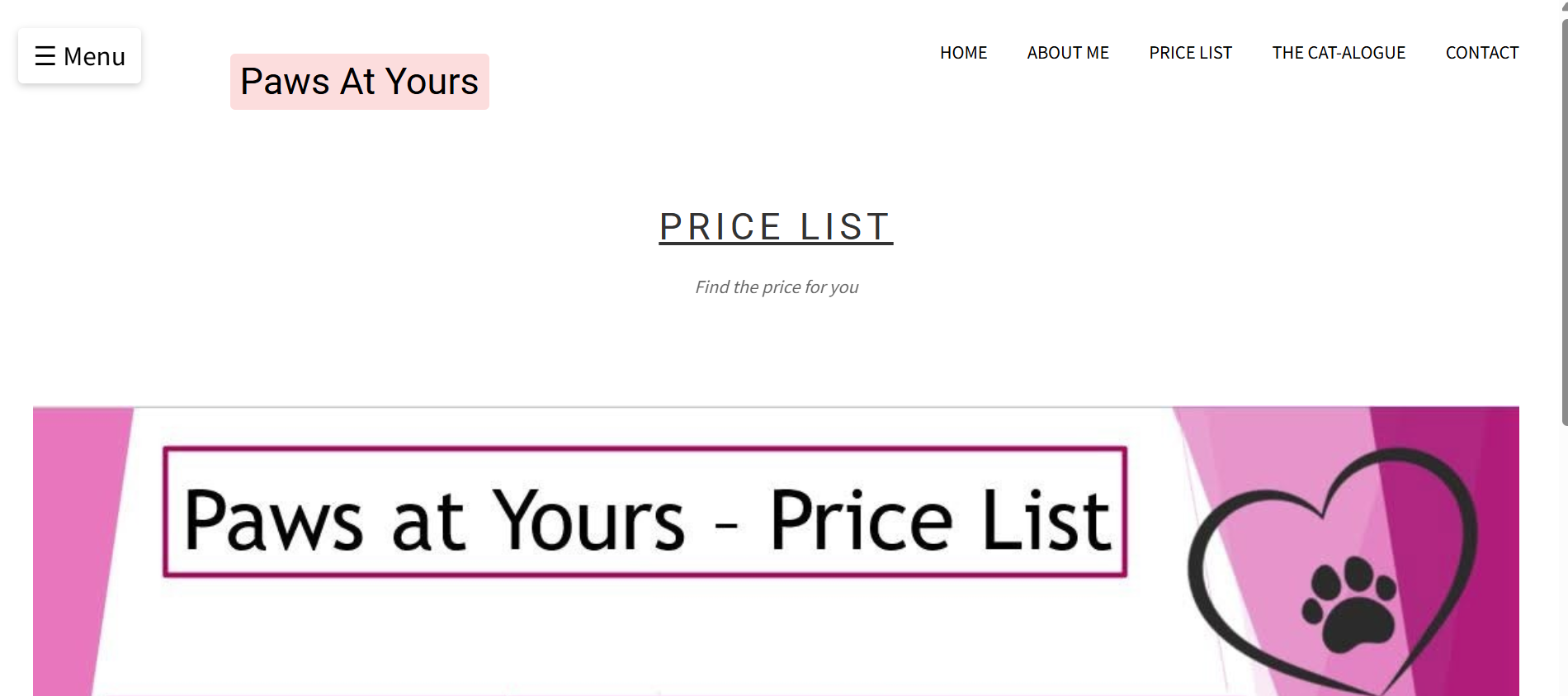
The Price List page is simple and easy to read, clearly showing the cost of each service I offer. It’s accessible both from the overlay menu and directly from the homepage.
Contact Us
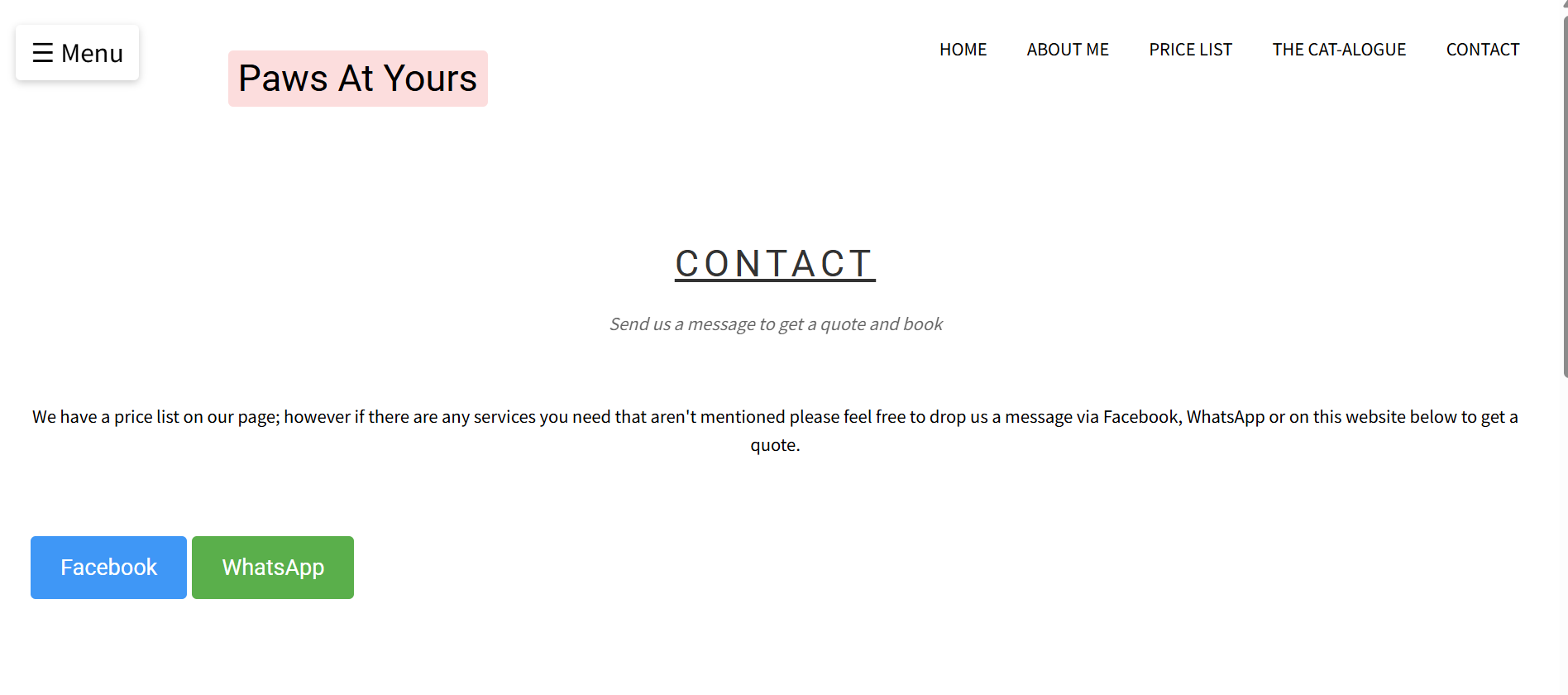
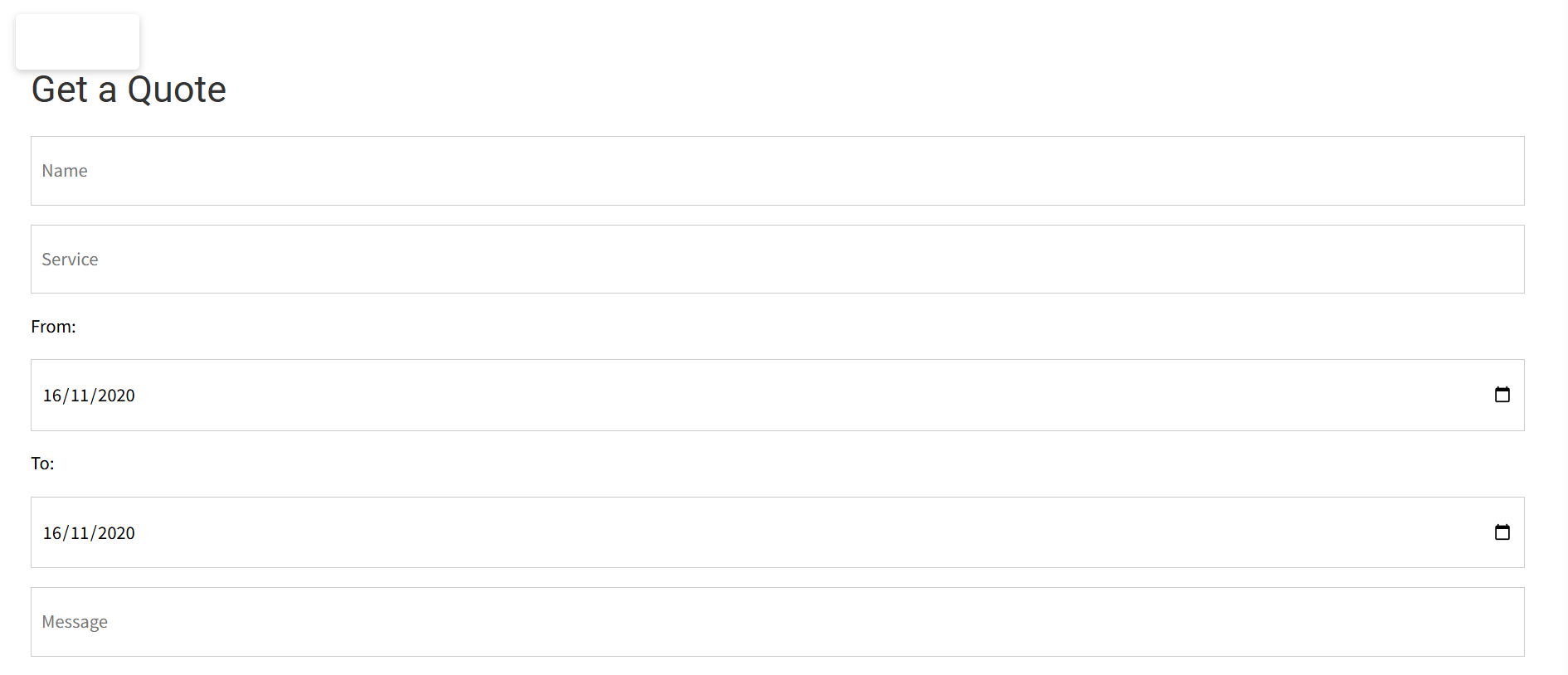
The Contact Us page offers three ways to get in touch: via WhatsApp, Facebook, or a direct email form. The form is designed to be quick and easy to use, sending inquiries straight to my inbox.
Key Code Snippets
Gallery Slideshow
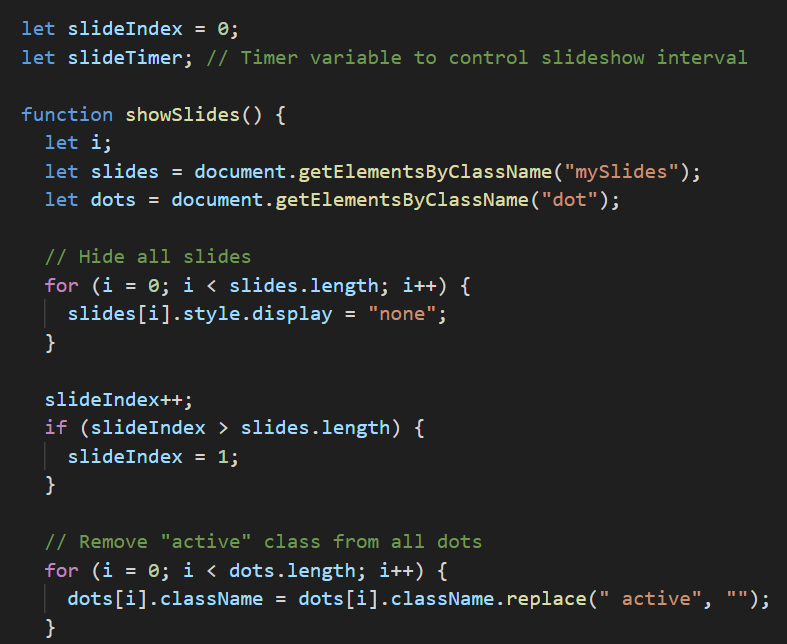
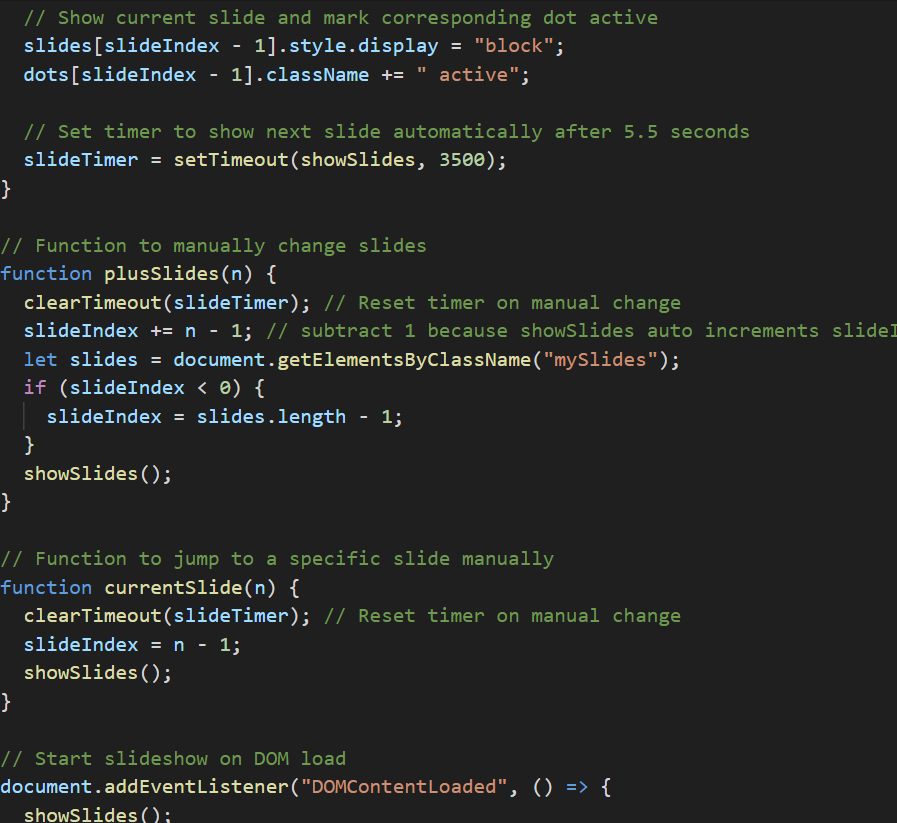
This JavaScript controls the homepage slideshow. It automatically scrolls through images every few seconds, and resets the timer if a user manually interacts with it. This allows users to pause and view a photo at their own pace.
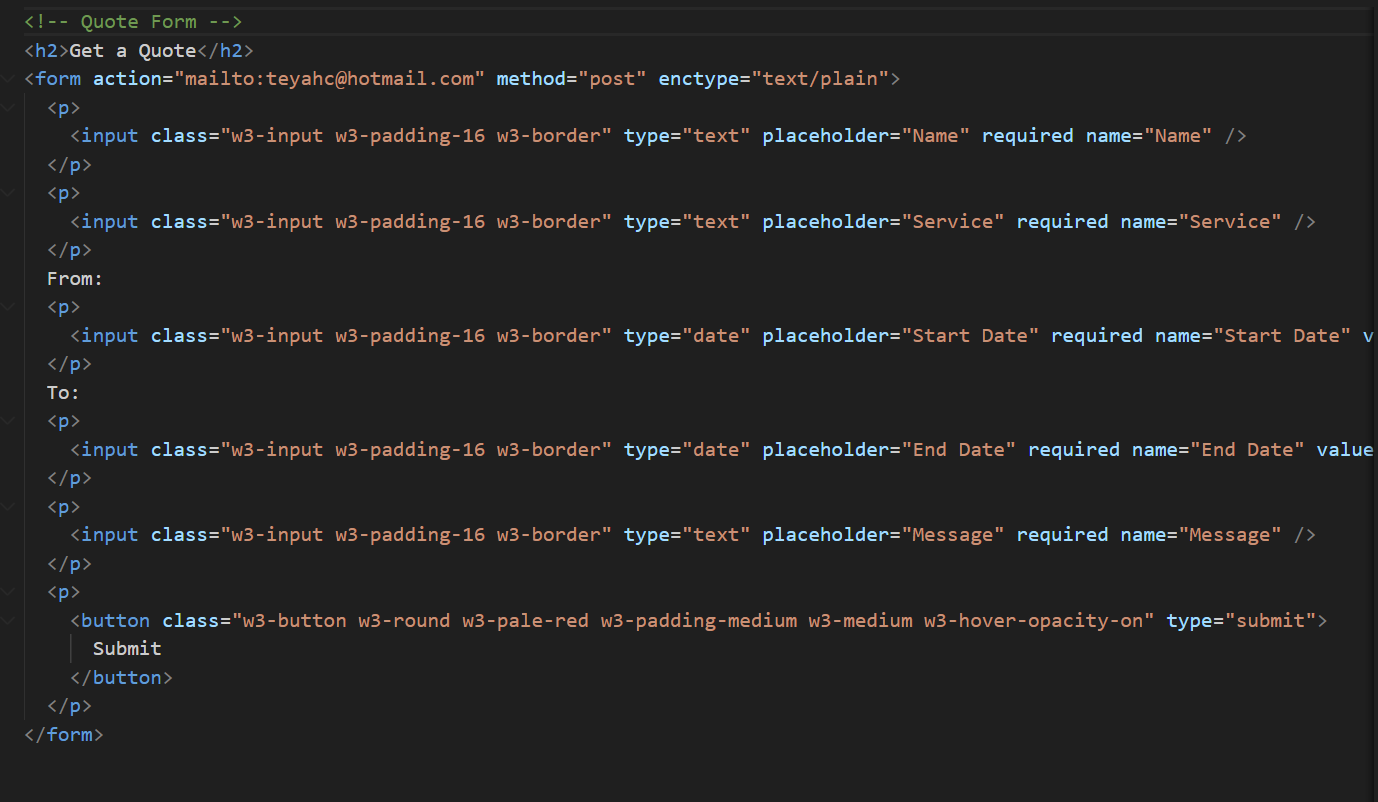
Contact Form Email
This contact form allows users to get in touch via email. It opens an email so the user can edit the email and send it directly to me
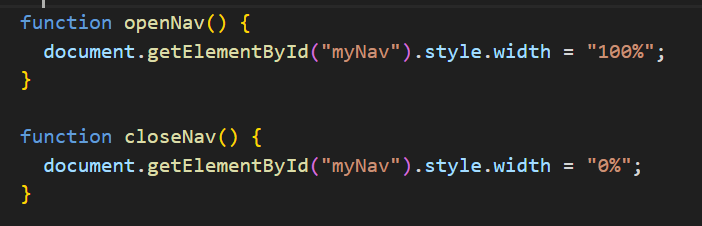
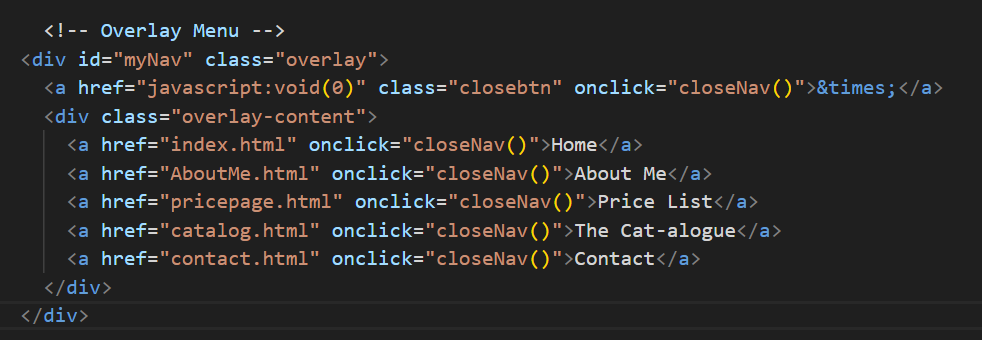
Overlay Menu
The navigation menu at the top of the site turns into a full-screen overlay when clicked. It uses JavaScript to toggle visibility and add transitions.